
In the App
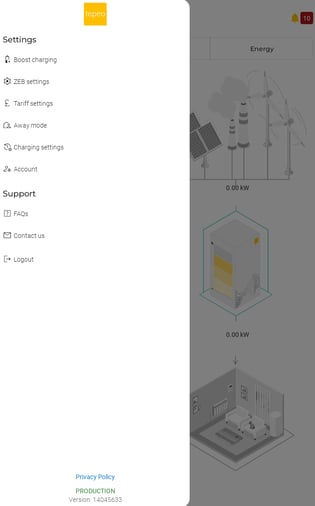
- Select 'Boost charging' from the left hand side menu bar and follow instructions on the screen.
-
- To confirm 'Boost charge' has been activated, your ZEB will appear as 'Charging' on the home screen in the App and the 'Charging' LED on the Comms Box will light up.
Via the Comms Box
- Press the ‘boost’ button on the Comms Box for ~1 second.
- Once ‘Boost Charge’ has started, the ‘Charging’ LED will light up and the ZEB will appear as ‘Charging’ on the home screen in the App.
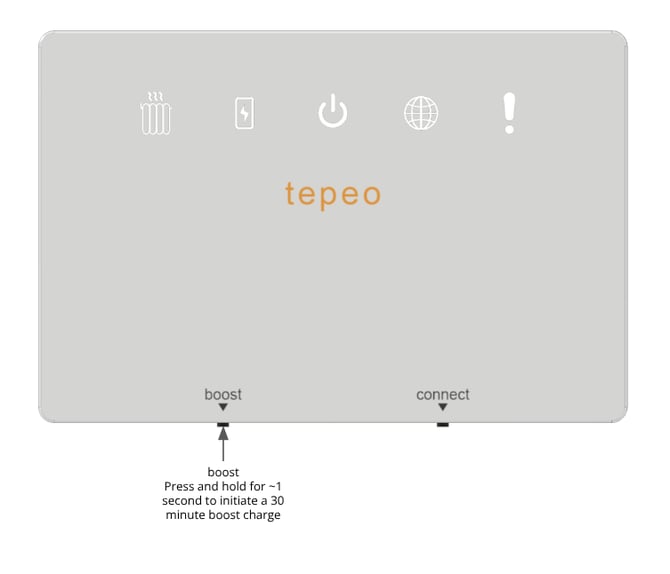
- Note, pressing the ‘boost’ button again before the 30 minutes charge has elapsed will stop the ‘Boost Charge’.